Summary
Convenience does not remove the need for confirmation. Review important fields before using the recorded results in the next task; unclear fields should be flagged for the responsible person to check.
A common situation
Illustrative scenario: A shop owner is pleased that she no longer has to type every line. During reconciliation, however, glare in the photograph causes the amount to be read incorrectly. Convenience is genuinely useful only when users know there is still a review step.
Three steps you can try
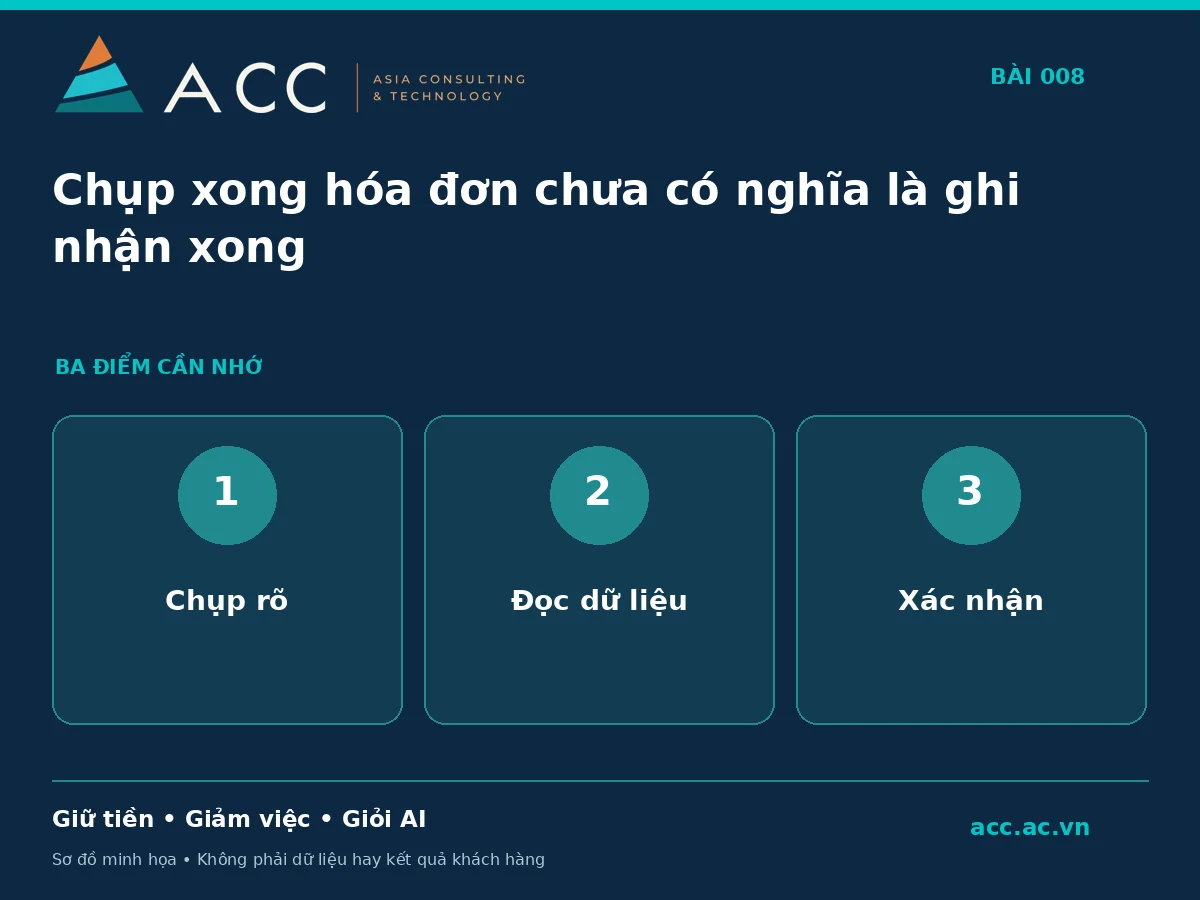
- Take a clear photograph showing the entire document.
- Check the date, amount, and codes.
- Confirm the information before using it in the next step.
What to remember
Convenience does not remove the need for confirmation. Review important fields before using the recorded results in the next task; unclear fields should be flagged for the responsible person to check.
This is a hypothetical illustration, not an ACC customer testimonial or project result.